
Fiber Optic Connector Cleaning: An Inspect–Clean–Inspect Guide for FTTH and Network Teams
A clean-looking patch cord can still have a contaminated connector. The end face is small, the contamination may be invisible to the naked eye, and the problem can travel from one connection to another. A technician who cleans only the loose cord may leave the mating interface as the source of the next failure.
For FTTH installers, enterprise network teams and fibre contractors, connector inspection is a practical part of reliable installation and testing. This guide focuses on connector end faces and handling, complementing the separate tasks of fusion splicing and link testing.
Quick answer: Identify and safely isolate the connection, inspect it with suitable equipment, clean only as needed using the correct tools and procedure, then inspect again before mating. Check both interfaces and document unresolved defects. A dust cap or new packet is not proof of cleanliness.
1. Begin with identification and optical safety
Before disconnecting anything, confirm the port, fibre and service involved. Follow the network owner's authorisation and isolation procedure. An apparently spare connector may be connected to active equipment, and disturbing the wrong fibre can interrupt service.
Never look into a fibre or connector to check for light. Optical signals may be invisible. Use appropriate instruments and follow their safety instructions; do not assume that a particular scope or filter makes inspection of an active connection acceptable.
Record the current connection before changing it. A clear label or approved port record prevents a cleaning task from turning into a patching error. Plan the work area so loose connectors do not touch a dirty surface while the technician prepares the tools.
2. Match the inspection tool to the connector
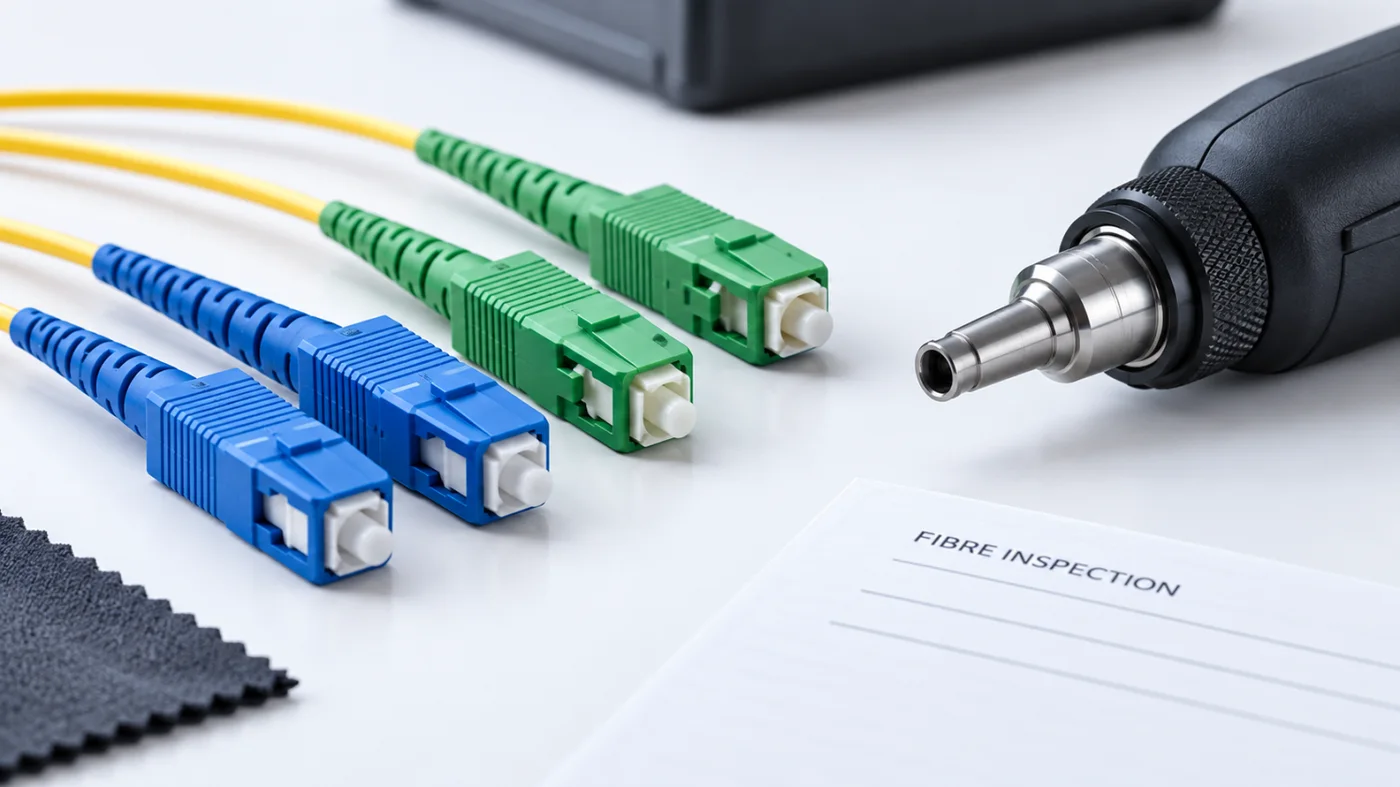
SC, LC and multifibre interfaces do not all use the same inspection arrangement. Confirm that the probe tip or adapter is suitable for the connector and polish type. A tool that cannot access or focus on the relevant surface does not provide a meaningful inspection.
Use equipment intended for fibre end-face inspection and follow the manufacturer instructions. A standard phone camera is not a substitute for the required magnified view. Where automated analysis is used, select the correct profile and understand what the result covers.
Check the inspection equipment itself. Dirty adapters or an unsuitable setup can make the workflow unreliable. Include tool condition and compatibility in the kit check before leaving for a site visit.
3. Inspect before deciding how to clean
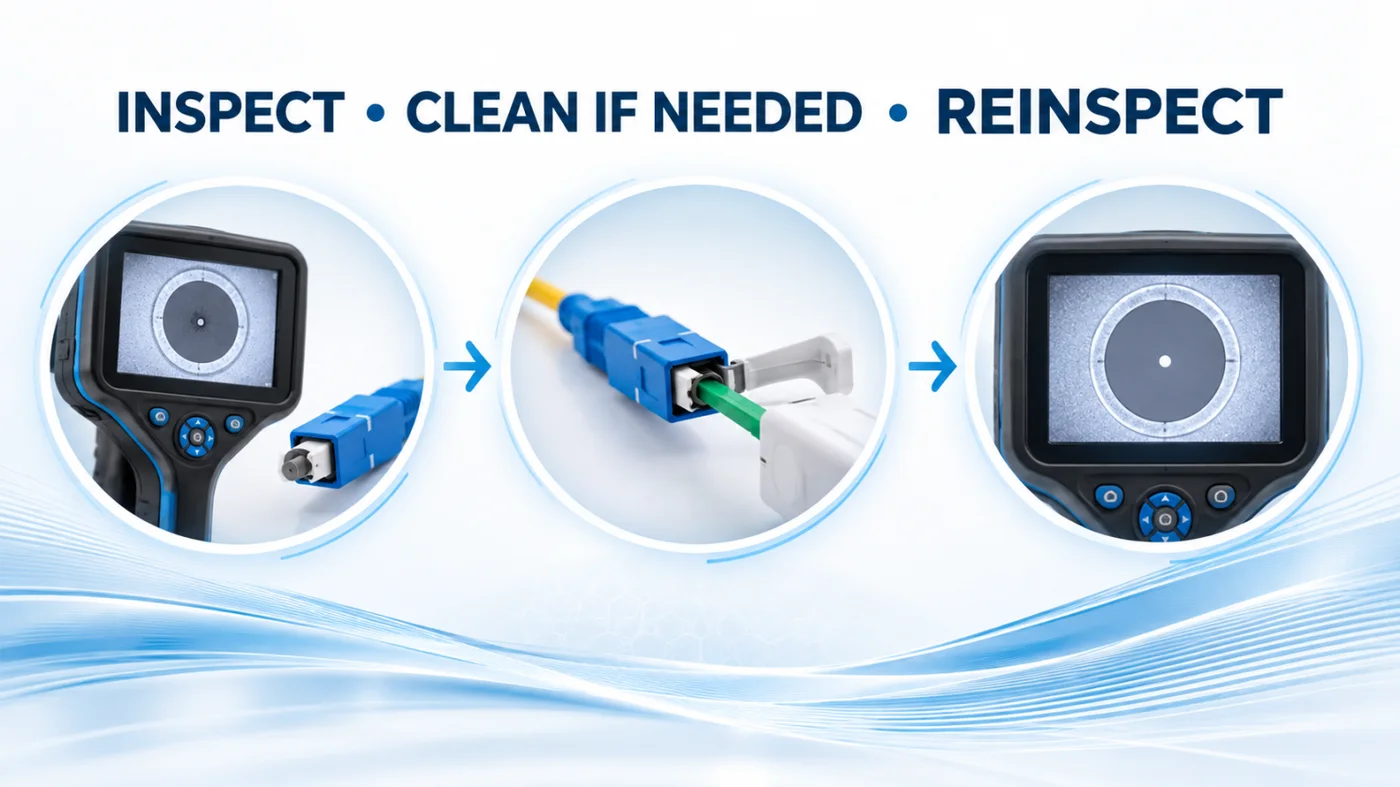
The first inspection helps distinguish a clean interface from contamination or possible damage. The Fibre Optic Association's FOA-8 standard covers inspecting and cleaning connectors and includes the instruction “Inspect after cleaning to ensure proper cleaning.” That final inspection is just as important as the first.
Do not treat every mark as something that repeated cleaning will remove. Persistent scratches, chips or other defects may require replacement or further evaluation under the applicable acceptance criteria.
Save the image or result where the job requires it. An inspection record can support a later discussion about whether a connector changed during handling or was already defective before the work began.
4. Use purpose-made cleaning materials
A shirt, ordinary tissue or a reused wipe is not an appropriate cleaning system. Suitable cleaners and consumables are designed for the connector and the type of contamination. Follow the instructions for the actual product and equipment.
Dry cleaning and wet-to-dry methods have different uses. The choice should follow the approved procedure and manufacturer guidance rather than a habit copied from another application. Use the correct cleaning fluid where required and handle it according to its safety information.
Keep consumables protected. A cleaning wipe left open on a dusty workbench can defeat the purpose of the process. Avoid improvising with household chemicals or assuming that a fluid suitable for one surface is suitable for every optical component.
5. Inspect again before connecting
Cleaning is an action; cleanliness is a condition that must be checked. Reinspect the end face after the cleaning step. If it is still unacceptable, follow the approved process for another attempt or escalation.
Do not continue indefinitely with the same method when the result is unchanged. Check whether the cleaner is suitable, whether the consumable is fresh and whether the mark is contamination or damage. A repeated failed action is a signal to reassess.
Once acceptable, avoid unnecessary handling before mating. Keep the clean connector from touching fingers, clothing or an exposed work surface. The final seconds between inspection and connection are part of the process.
6. Remember the mating side
A clean connector can meet a dirty counterpart. That is why the work plan should address the complete connection, including accessible mating interfaces and the equipment's specified cleaning procedure.
Do not push an unsuitable tool into a port because it appears to fit. Transceiver and instrument interfaces can require specific instructions and adapters. If access is difficult, use the correct method rather than forcing the connection.
When working across a panel, keep port identification clear and avoid moving contamination from one location to another. A tidy sequence is more effective than unplugging many cords at once and trying to remember their destinations.
7. Treat protective caps as protection, not certification
Protective caps help prevent physical contact and exposure, but they do not guarantee a clean end face. The FOA notes that caps themselves can contain contamination. A connector taken from a sealed bag still deserves the appropriate inspection before connection.
Store caps and cords sensibly, and do not assume that putting a cap back on preserves the last inspection result forever. Recheck at the point of use according to the work procedure.
This is especially useful during commissioning, when a patch cord may pass through several hands between unpacking and final installation. Assign responsibility for the final inspection instead of assuming someone earlier in the chain completed it.
8. Protect test leads and instrument ports
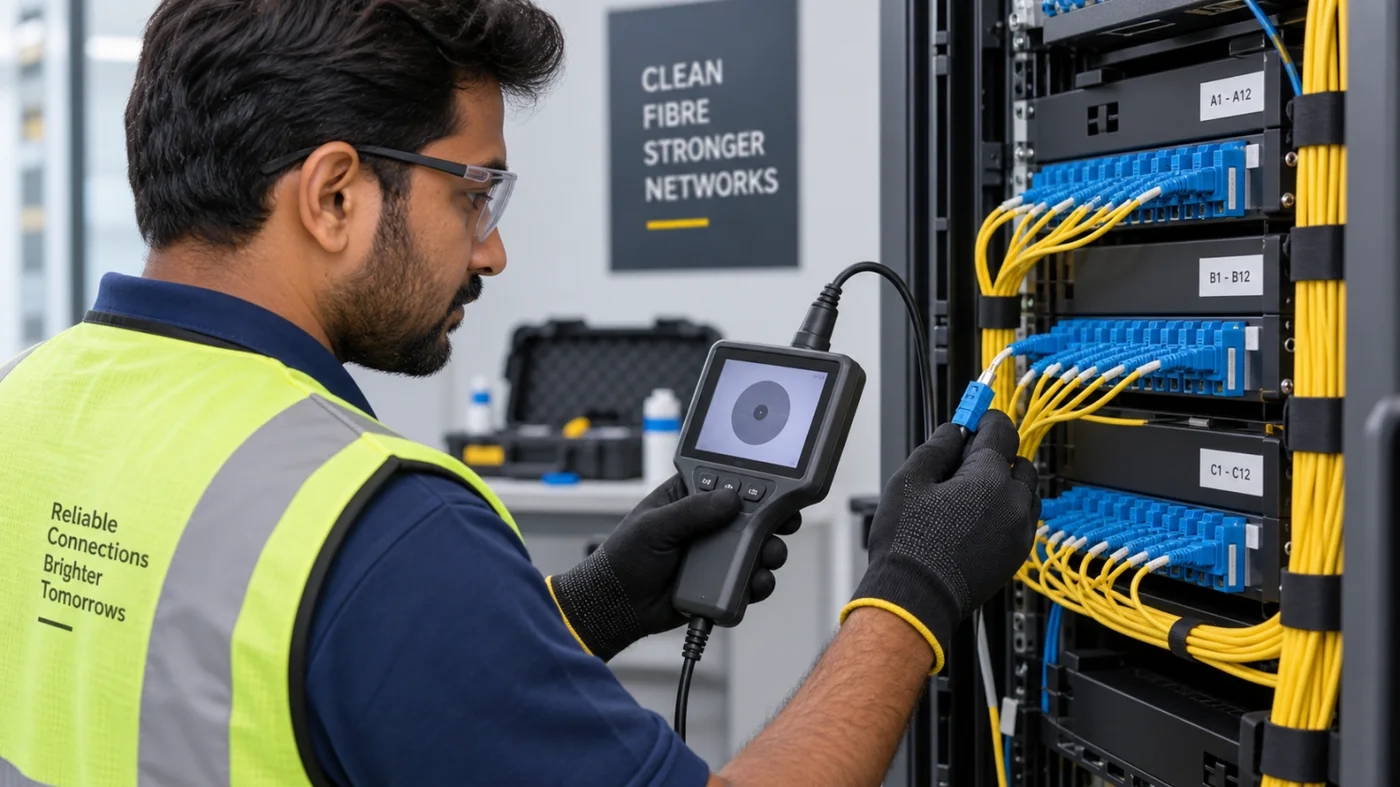
Reference cords and test-equipment ports are part of the measurement chain. Contamination there can affect results and can be passed to other connectors. Fluke Networks' testing guidance includes connector inspection and cleaning alongside loss and power measurements.
Keep reference leads identified and handled separately from general patch cords where the procedure requires it. Follow the instrument's instructions when establishing or re-establishing a reference. Do not assume a previous setup remains valid after connections have changed.
If a result looks unexpected, check the test arrangement methodically before concluding that the installed cable is defective. Good troubleshooting separates the condition of the link from the condition of the tools used to measure it.
Illustrative case study: a fault that followed the test lead
Imagine a fictional commissioning team testing several fibre links. An inconsistent result appears on more than one link. Instead of immediately replacing installed cords, the team reviews the common elements in the measurement setup.
Under the approved procedure, it checks the reference lead and instrument interface, identifies a cleanliness issue, resolves it and re-establishes the required reference. It then repeats the relevant measurements and records the results.
This hypothetical example does not claim a particular loss improvement or describe a Jekath customer. Its lesson is to inspect the common test path when a problem seems to follow the tester rather than one installed link.
9. Give multifibre connectors their own procedure
MPO and other multifibre assemblies require appropriate tools and procedures. EXFO's guidance notes that a dirty multifibre connector can affect more than one fibre. Do not assume a routine designed for a single small ferrule automatically covers a larger array.
Confirm the inspection adapter, cleaning product and analysis settings for the interface. Check all required areas rather than focusing on one fibre while missing contamination elsewhere on the contact surface.
Keep connector identity and orientation controlled. Cleanliness does not establish polarity or correct routing. Those are separate checks that remain necessary in the commissioning process.
10. Record enough information to support the next technician
A useful record identifies the site, panel, port or fibre, date, operator, inspection result and any action taken. Add images and test references where required by the project. Keep the naming consistent with the network documentation.
Record unresolved issues clearly. “Cleaned” is not a complete status if the connector still failed the required assessment. State whether it was accepted, replaced, isolated for review or left awaiting a decision.
Use the records to improve the work process. Repeated contamination at one work stage may suggest a storage, handling or tool-care issue. The goal is to prevent recurrence rather than simply collect more reports.
11. Avoid unnecessary disturbance of working links
Connector care should fit the network owner's maintenance strategy. Do not unplug stable operational connections merely to perform an unplanned cleaning exercise. The FOA's maintenance guidance discusses the risks associated with unnecessary mating and unmating.
Plan inspections around authorised installation, testing or troubleshooting activities. Where a service is live, coordinate the outage and recovery steps. Good maintenance includes knowing when not to disturb a connection.
A field-kit and workflow checklist
- Verified port identification and work authorisation.
- Appropriate optical safety procedure and instruments.
- Compatible inspection probe tips and analysis settings.
- Suitable cleaners, fresh consumables and protected storage.
- Inspection before and after cleaning where required.
- Checks for mating interfaces and test leads.
- Clear acceptance, replacement and escalation criteria.
- Traceable inspection and test records.
Frequently asked questions
Can a new patch cord need cleaning?
Yes. Packaging and protective caps do not prove end-face cleanliness. Inspect according to the approved procedure before use.
Is a successful inspection the same as a passed link test?
No. End-face condition and optical link performance are different checks. Complete the specified testing as well.
Should I keep cleaning a scratch?
No. If a mark persists, assess whether it is damage and follow the applicable acceptance or replacement process.
Can one cleaner cover every connector?
Do not assume so. Match the tool, consumable and procedure to the connector and equipment.
Make clean connections a repeatable habit
Reliable fibre work depends on controlled handling as well as good equipment. For connector-inspection and fibre-tool enquiries, speak with Jekath Fibertronics and describe your connector types, test equipment and field conditions. Confirm compatibility and current product availability directly.
References: FOA-8 inspection and cleaning standard; Fluke Networks: contamination and inspection; EXFO connector guidance; FOA network maintenance. Follow equipment instructions and the network owner's approved procedures.